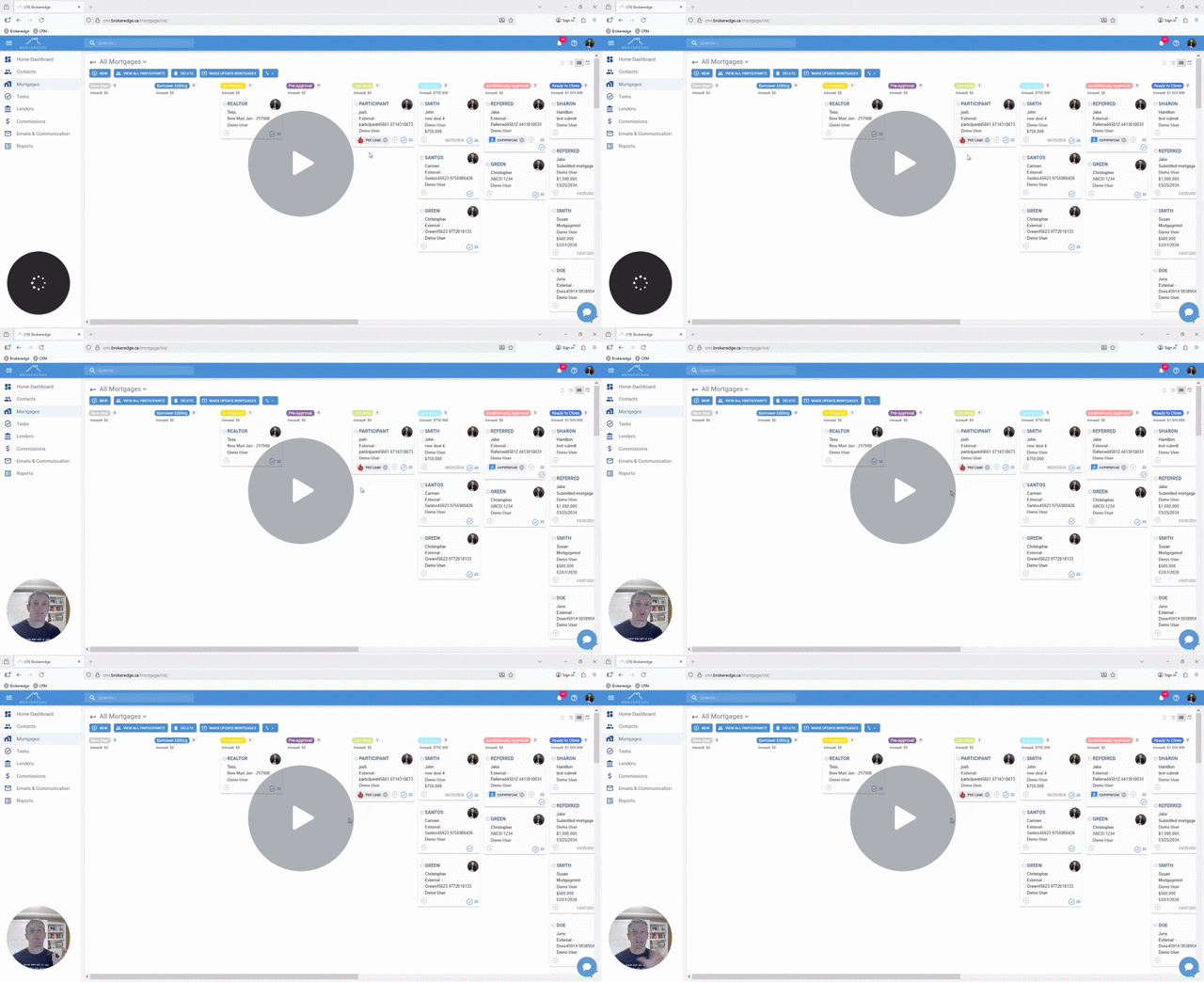
Rearranging and Editing Kanban Columns
You can easily re-order the Kanban columns you see. There is no need to make a custom view to do this.
Step 1: Scroll the horizontal scroll bar over to the right

Step 2: Click on the 3 dots. Doing this will allow you to now "edit columns"
This will allow you to 'pull' the stage fields label to be dragged to then be reordered.
They can also be deleted by clicking the x beside the stage.

You can add new fields with the + sign
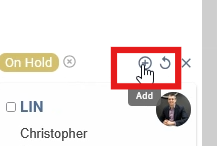
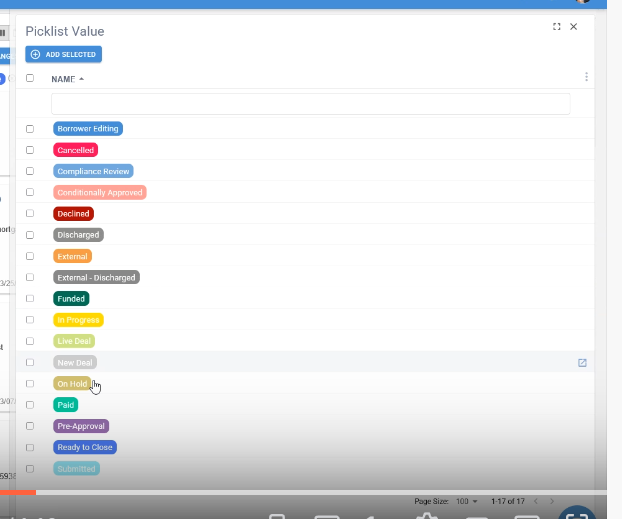
Then lock in the view with clicking "Save Changes"
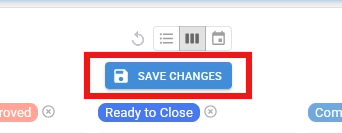
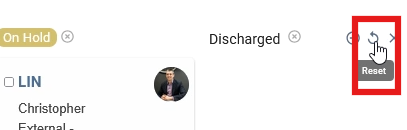
If you want to revert back to the original default display at any time click the back arrow to "reset" the view.
Watch Full How-to Video Here: