
Custom Contact Journeys
Custom contact journeys can be used to create your own unique workflow for onboarding and working with contacts.
How to create new custom journeys
1. Select a Contact, and go to the Custom Journey Stage section:

2. Click on the field and hit the "New" button.
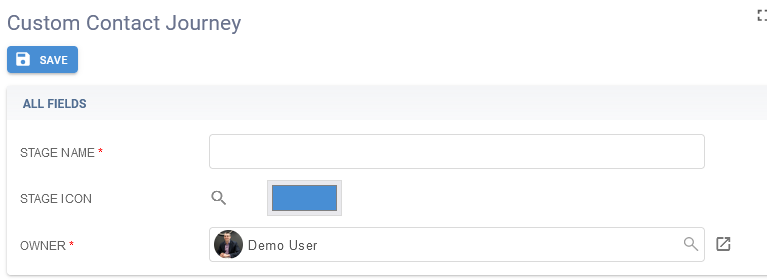
3. Name the stage and add an icon if you prefer.
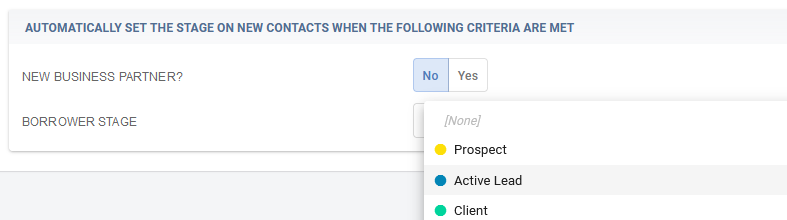
4. If you want to automatically set the stage when a new business partner is created or a contact is in a specific borrower stage, you can se the fields below to specify that as well.
To edit stages, select the stage for a contact and hit the expand button:
