Testing Mass Emails Before Sending
On all emails, automated journeys and ad hoc emails, there is a test email button. This is a great option to use for testing an email before it goes out so that you can see how it will look for recipients. On some emails that are tied to mortgages, you can also select a sample recipient to see how the email would appear for them - the test email will still only send to you.
Testing Mass Emails
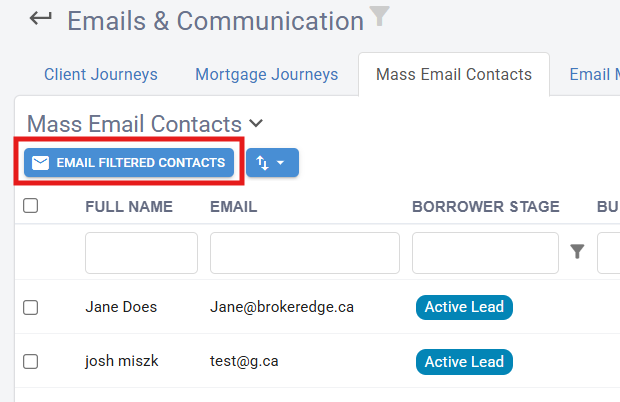
- In a mass email first select the audience the email is going to be sent to and then select
'Email Filtered Contacts'
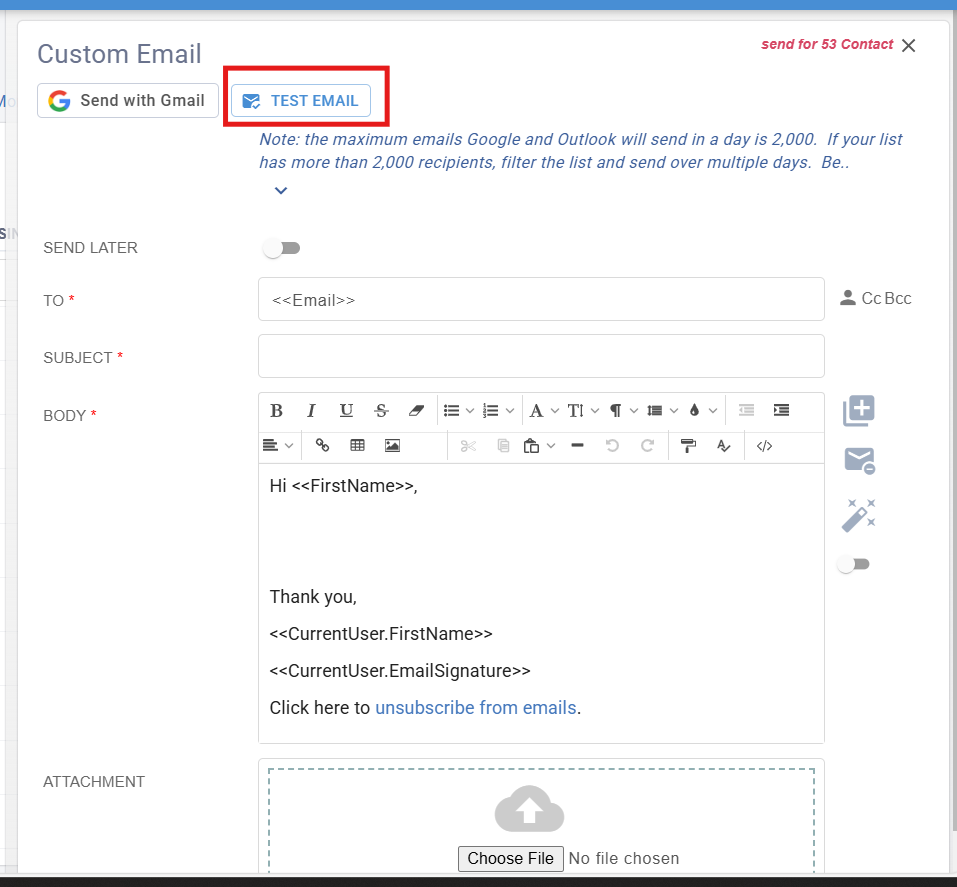
- Select 'Test Email' if you want to send yourself a copy to be sure it looks correct.
- The email address for testing will default to the account holder, but you can delete/edit a new address to use for testing.
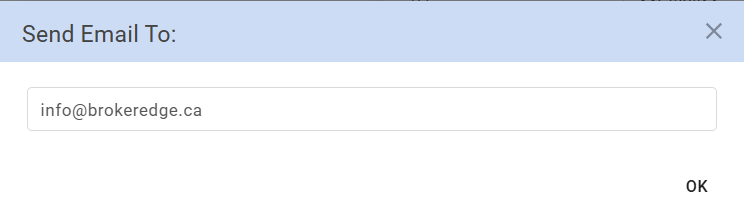
- Click 'OK' to send and that email will get the test.