Logging In-Reduce Multi-Factor Code Prompts
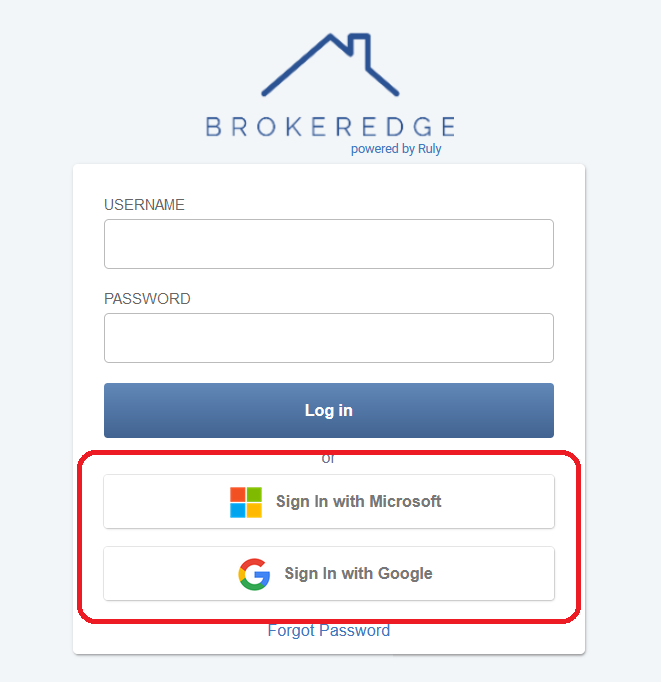
The simplest way to log in if you use Google or Microsoft for email is to log in with those sites:
If you have to use a password, we use Cookies to store your token details. In most cases, you will only be prompted every 30 days or so when the refresh expires or when you log in from a new IP.
If your cookie settings are restrictive, then the cookie will not be saved and you will be prompted to re-authenticate every hour. If you are experiencing this issue, then you can add Brokeredge to your trusted sites and the issue will be resolved.
Here's how to do that in the following browsers:
Safari:
- Open Brokeredge in your browser
- Select Safari > Settings
- Click Advanced
- Deselect Block all cookies
- Select Allow from current website only
- Then go to Safari > Settings > Privacy and Turn OFF Prevent cross-site tracking
- Restart Safari
Chrome:
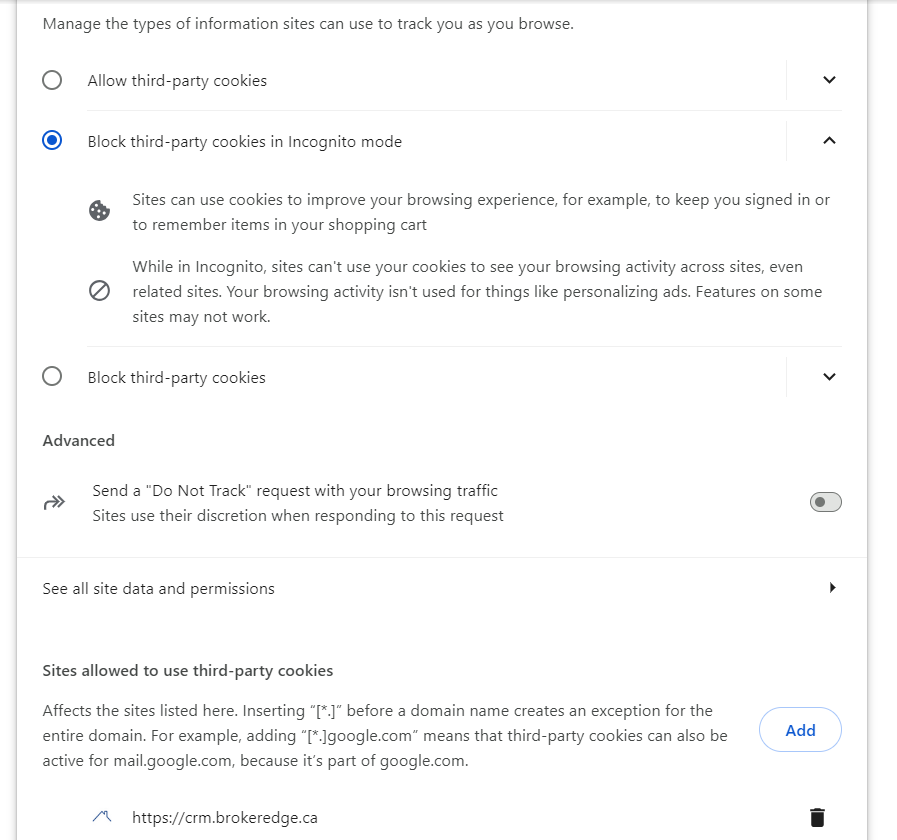
- Open Brokeredge in your browser
- Go to this url chrome://settings/cookies
- Add "https://crm.brokeredge.ca/" to the sites allowed to save data on your device.
- You can also go here (chrome://settings/cookies) and turn off "Block third-party cookies" or add Brokeredge as an exception.