
Dialpad Integration
For Dialpad to integrate, you will need a Dialpad Pro account. With the Dialpad integration, you will be able to send text messaged from Brokeredge, view your message history with a contact, automatically push new Brokeredge contacts to Dialpad, and automatically create call record summaries from Quo on the contact page if summaries are enabled in Dialpad.
To activate the integration, go to My Settings, toggle on Third Party Integrations, toggle on Integrate SMS and select Dialpad.
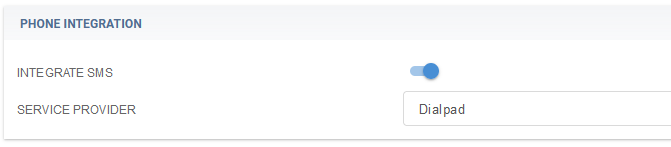
You will need to enter your Dialpad phone number into the phone number field and retrieve your Dialpad API Key from Dialpad.

To get your API Key, navigate to Admin Settings > My Company > Authentication > API Keys. Add an additional scope to view "Message content export"
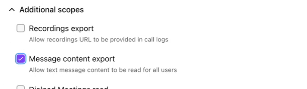
Select Add Key then Save.
Here is a video on DialPad