
Zapier Integration
Zapier is a platform that allows you to easily connect Brokeredge CRM with various other apps, automating tasks and workflows without the need for complex coding or development.
Our Beta version on Zapier allows you to create simple records in your CRM and to trigger external events when a new record is created in Brokeredge.
How you connect to Zapier
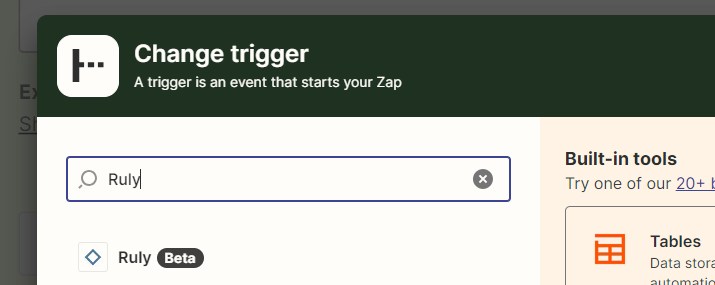
1. Log into Zapier and create a new Zap. Brokeredge is built on an application called Ruly, so when you get to the stage to add Brokeredge, you'll need to search for "Ruly".
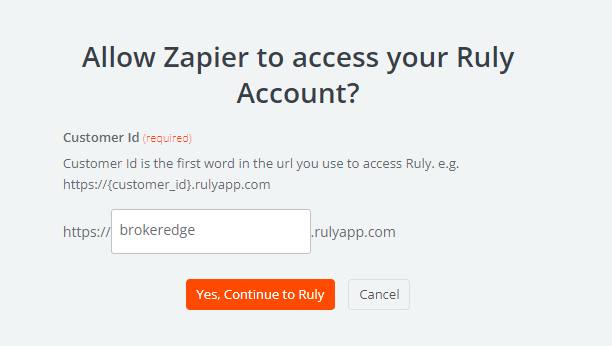
2. When prompted to connect to your Ruly account, enter "brokeredge" in the url path, and then sign in the way you typically would into the CRM.
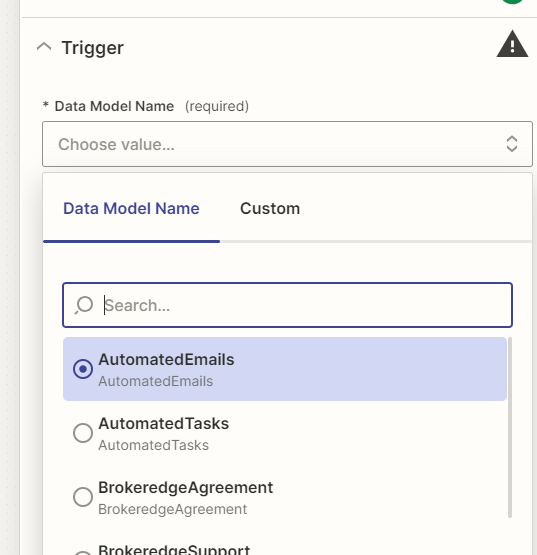
3. Once you're connected, you'll see a list of the available models you can connect to:
For more information on how Zapier works, check out their quick start guide.
Notes regarding the Beta version: the current Beta version does not yet support linked table look ups like a list of your Lead Sources or any picklist tables like the Borrower Stage.