
Checklists
Checklists can be added to Contacts and Mortgages.
View
To view checklists, click on a specific Contact or Mortgage that you want to review and scroll down to the activities section or the checklist section on the side panel.

- or (in split view) -
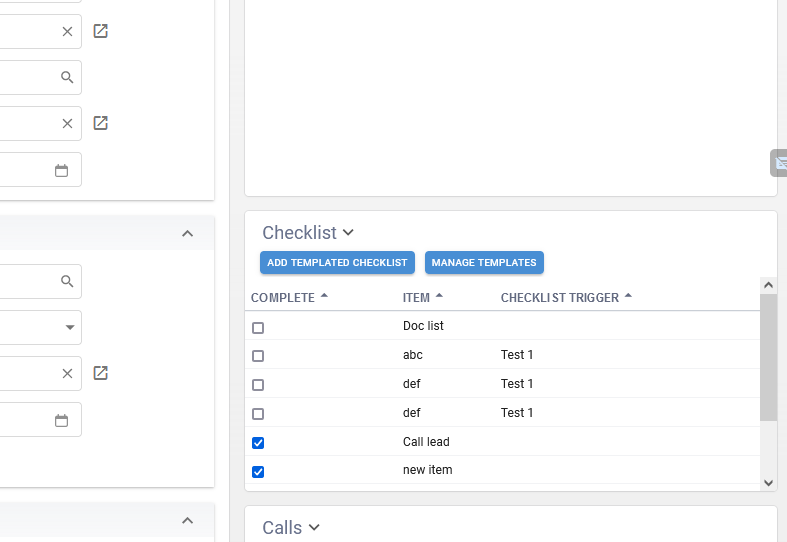
Create
There are 3 ways to create checklists:
1. Hit the plus button on a Checklist tab and a new item will be created.
2. Add a Checklist Template. Just hit the Add Templated Checklist button and select the template to add. You can manage/create templates by hitting the Manage Templates button here as well.
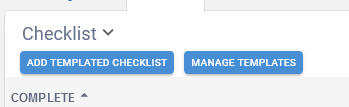
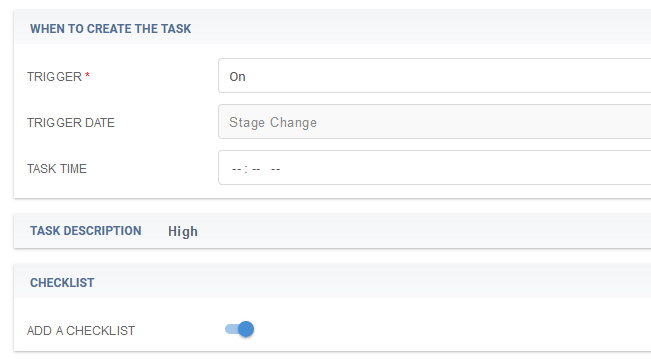
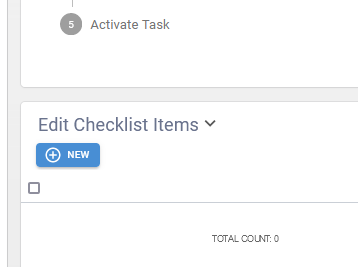
3. Create a checklist automatically via Automated Tasks. You can do this on any Automated Task that fires "On" a trigger event. When the trigger is On, a Checklist section appears on the Task form and if you toggle the checklist to on, then an Edit Checklist Items section will also appear where you can add the items.
Update
To mark an item as complete, simply check the checklist box, when you navigate back, checked items will appear at the bottom of the list.
If you want to delete or change an item, just click on the Item itself and it will open up.