How To Create and Use Email Template
How to Create an Email Template
1. To create your first email template, go to the Emails & Communication section and click on the Email Templates tab
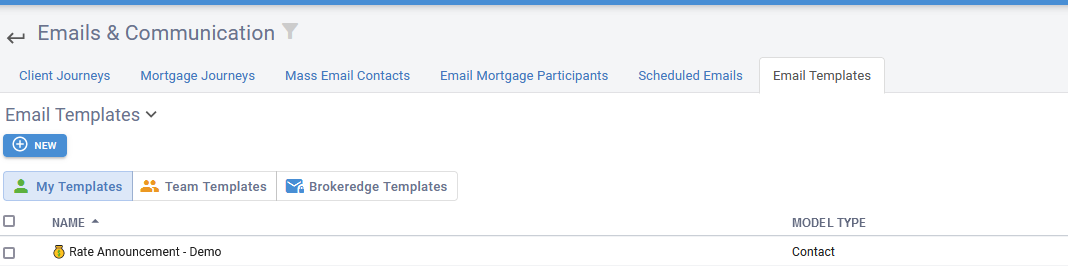
2. Either click on an existing one and clone it, or hit the new button.
3. Enter a name and edit the body.
You can start by toggling the 'add a container' and select 1 column. Building it with the 1 container size will enable you to create your email in a more compatible mobile view version. option to make formatted emails:
How to Use an Email Template
1. In an email draft, clear out all contents as the template will paste below any existing content.
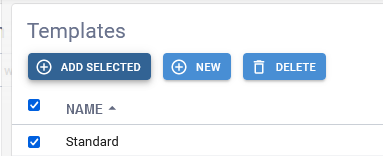
2. Hit the 'Add a Template button', click the checkbox of the template you wish to insert, and hit the Add Selected button.