How to Insert a Video into an Email
- Simply copy the video URL from YouTube, Vimeo, BombBomb or whatever you use.
- Go to your email, and paste the link in the body of the email. A thumbnail will automatically be created of the video.
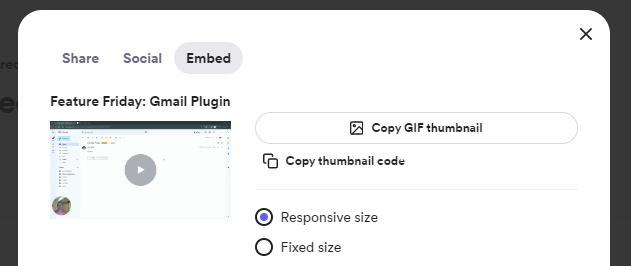
For Loom videos, you will now have to go to the Share option, then Embed and click the Copy GIF thumbnail button. Then paste this link into your email instead.