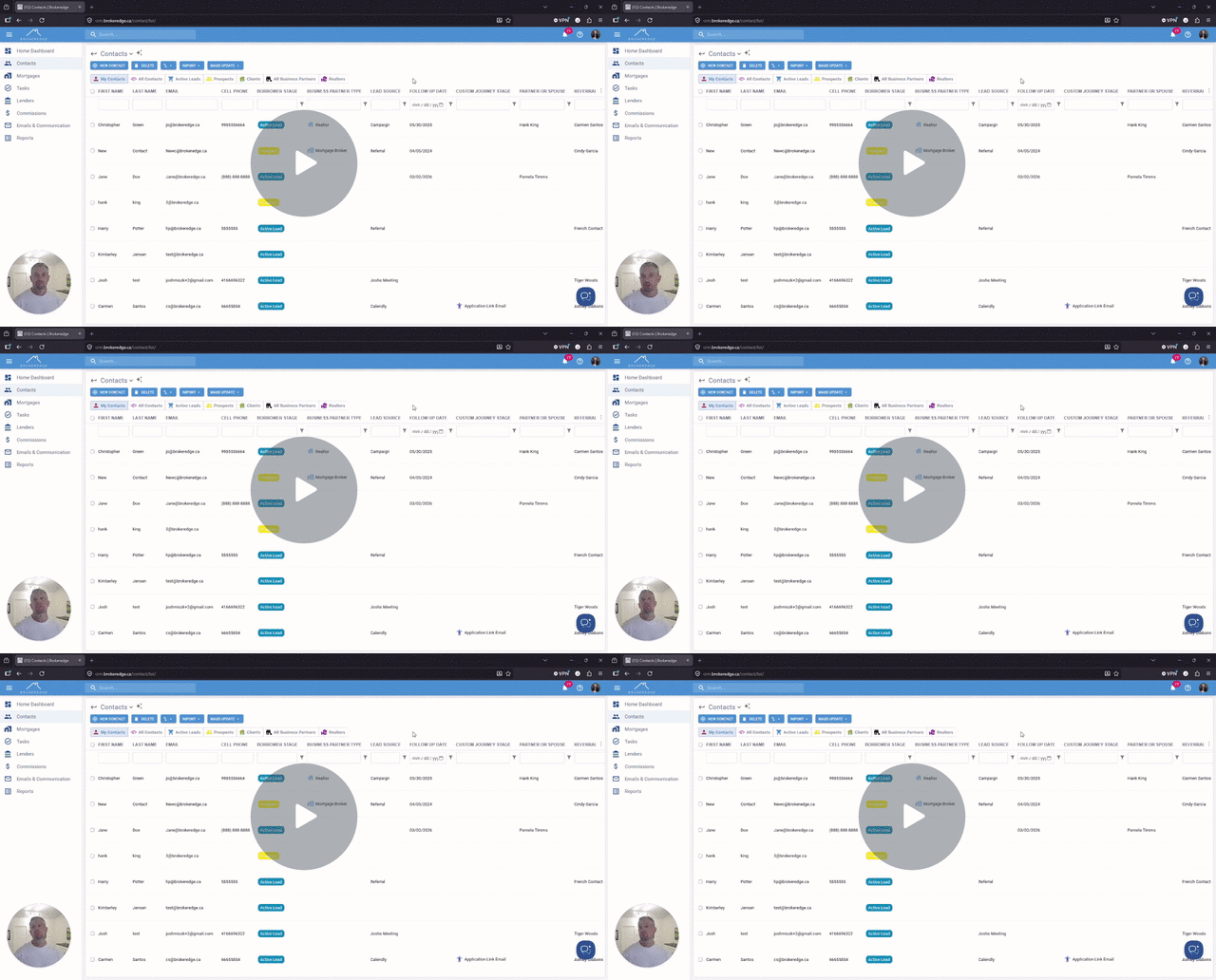
Filter Lists using AI
In many areas of Brokeredge you may see a sparkle Icon. This icon will represent AI features available. You can refine and filter lists more easily by
- Click on the sparkle Icon (AI Filters)


- This opens a box where you can enter specific filter criteria instructions using AI. Once finished, click 'APPLY'. The filters will apply automatically for you without the need to edit fields on your own.


Use AI Filters to Refine Lists - Watch Video