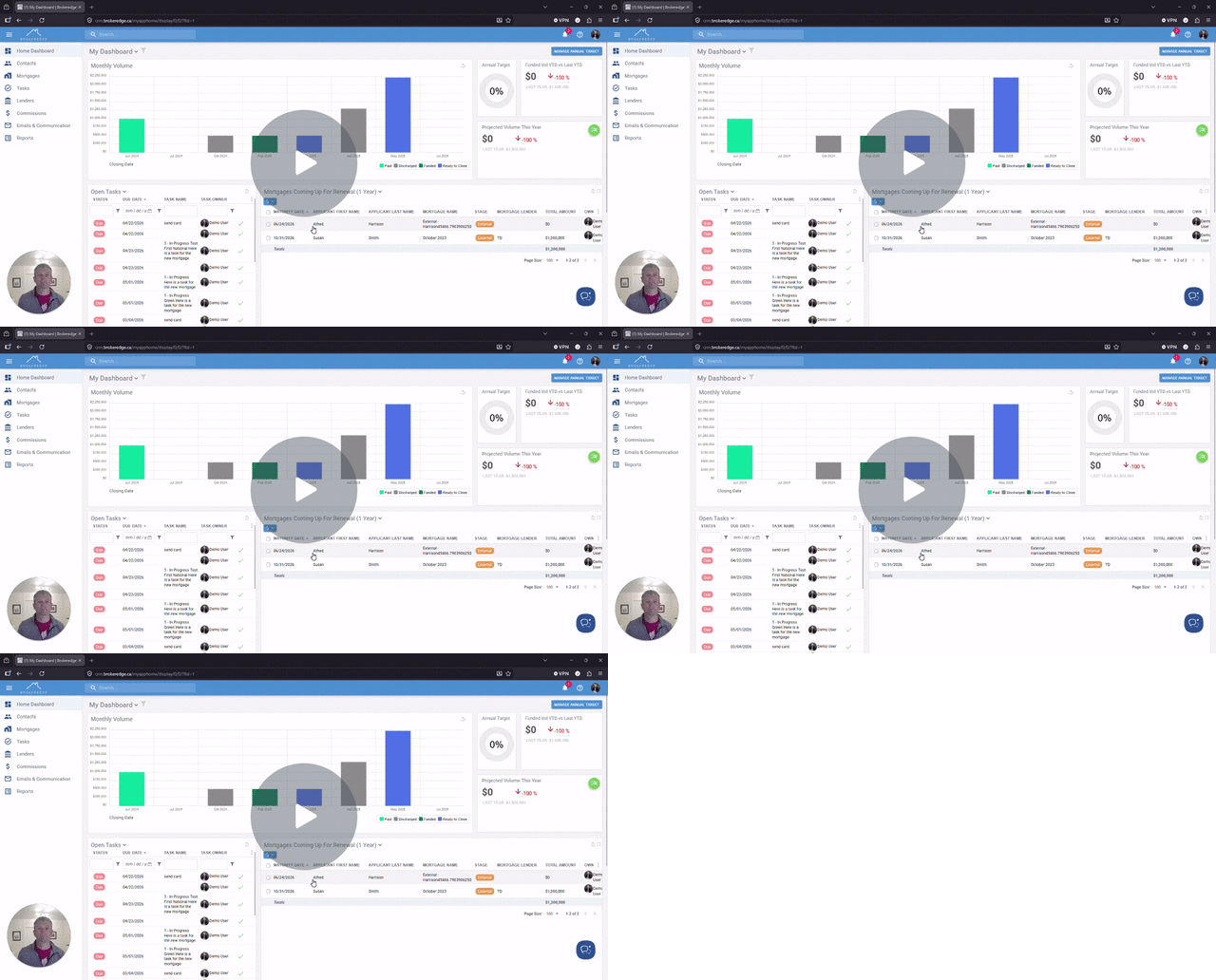
Automated Emails Dashboard - See all Pending Approvals
If you find that your automated emails triggered are difficult to manage all from your inbox, you can use the home dashboard to assist in this. Go to your 'Home Dashboard' tab and scroll lower on the page and look for 'My Pending Approvals'
This section will display all emails that have been triggered for your review (approval/edit) If you want to open the full message for viewing, simply click on the email line item.
Approve- to approve and send the email as it is.
Edit- will open the body of the email in a new tab to allow you to revise or make any additions to the content or who it goes to. You can even add attachments at this time.
X (Dismiss)- The X will allow you to disregard the email altogether if you do not need to send or see it.

Video covering this
Enhancements: Dismiss Pending Approvals & Track Docs from Finmo - Watch Video