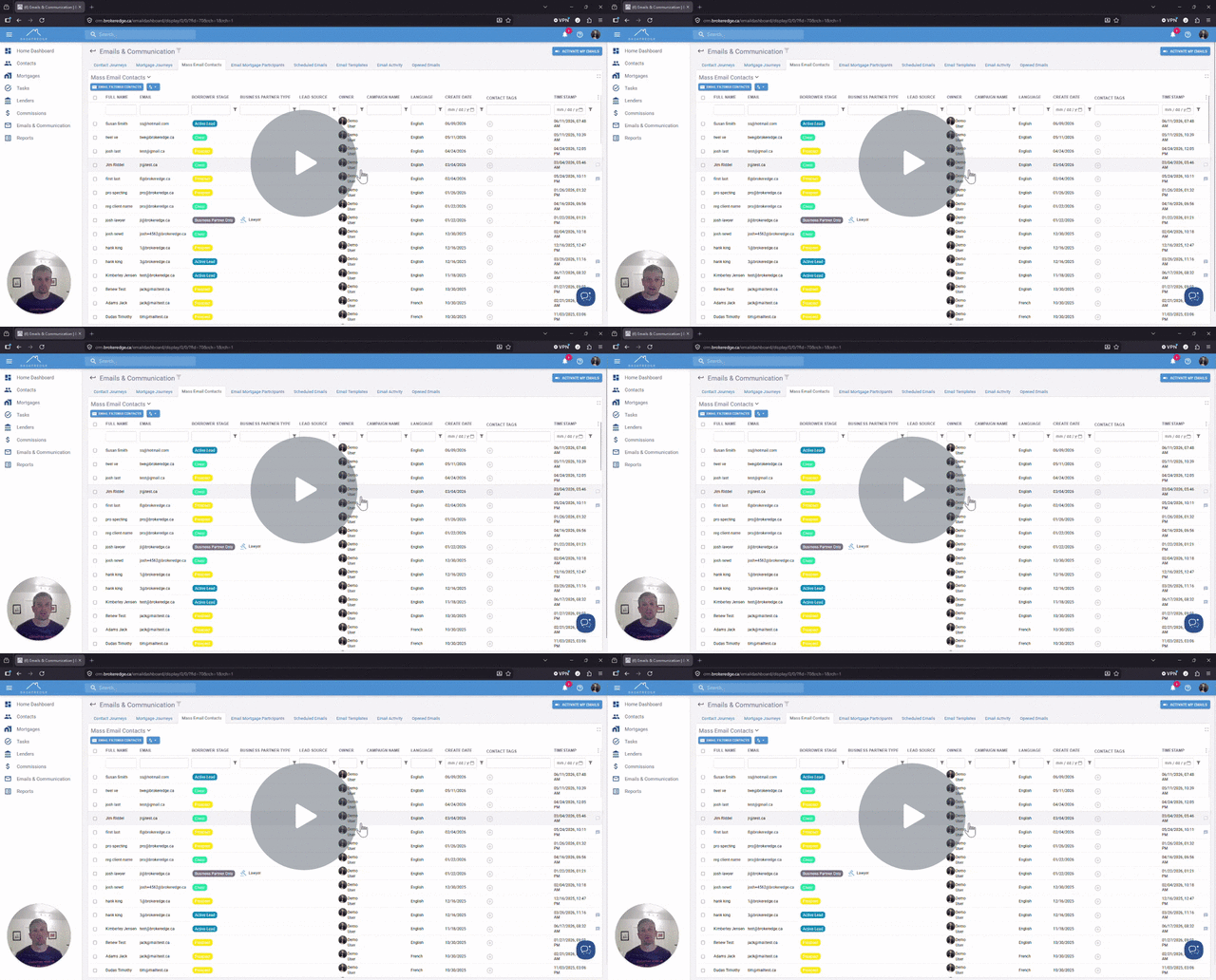
Generate an Email with AI
When creating an email you can use AI to help build the email content inside Brokeredge.
Step 1. Open a contact to email. This can be done from an individual contact, mortgage, automated email and mass email.

Step 2. Use the 3 stars icon on the right side of the email (Generate with AI)

Step 3. Enter in your instructions for the AI to understand the purpose of your email message and click 'Ok' once done.

Step 4. The body will automatically be entered into the richtext field and you can make any further edits as needed. You can then send the email.

Here is a video with more on this
Generate AI Email Content - Watch Video