
How to Connect to Hurricane
In order to pull all data from Hurricane, we will need to get your API Key. To get your API Key. To get that key:
1. Login to Hurricane and go to “Settings”, then hit "Data Access Agreement"
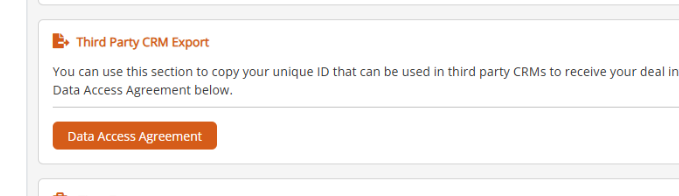
2. Once you confirm the agreement, an API key will become visible.
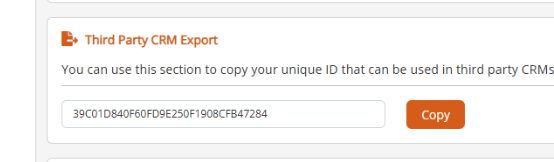
3. Click "Copy" the to copy the key.
4. Once you have the API Key, log into Brokeredge, go to My Profile > Actions > Update Deal Portal Credentials, click into the pending connection and paste the API Key and hit save.
This connection will initially pull all old data into the system on the first night, then will check for updates hourly on a go forward basisand post those updates to Brokeredge.