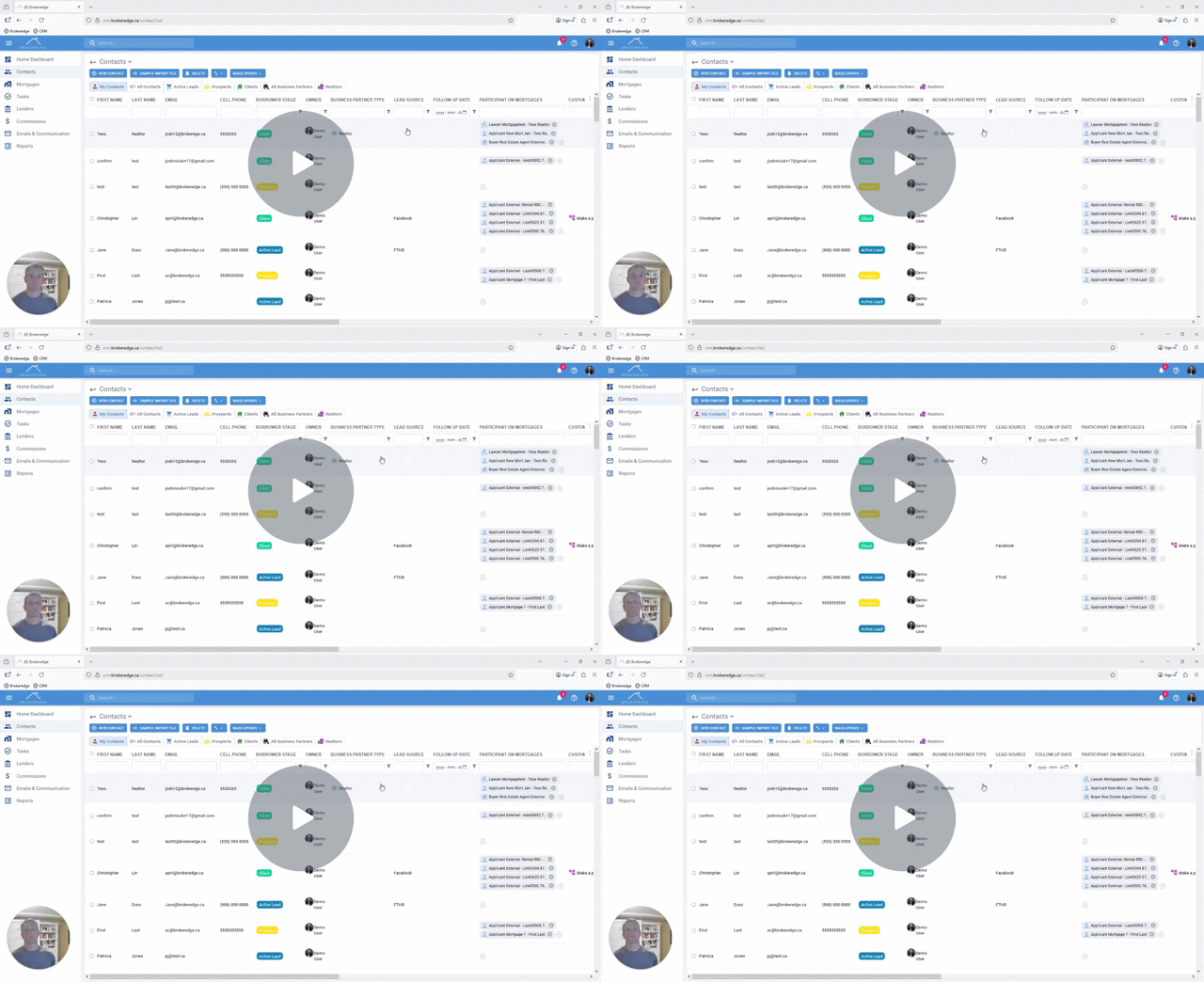
Reorder and Add Your View Fields
If you have a list view for Contacts or Mortgages and you would prefer to see them in a different order, you can easily reorder order the columns with a few steps.
- Scroll to the right hand side of the view are on and locate the 3 dots to see 'reorder fields'


- Drag and Drop any column fields into the desired order with your mouse

Note: you can also easily add more fields by selecting + sign. This will open the other field selection.


If you would like to reset back to the default view, click on the back arrow

Video with the Steps- Reorder Your View Fields