How to Clone/Copy an Automated Email
Here's how to clone an email:
- Open and Clone:
Open the email you wish to clone and click the Clone button.

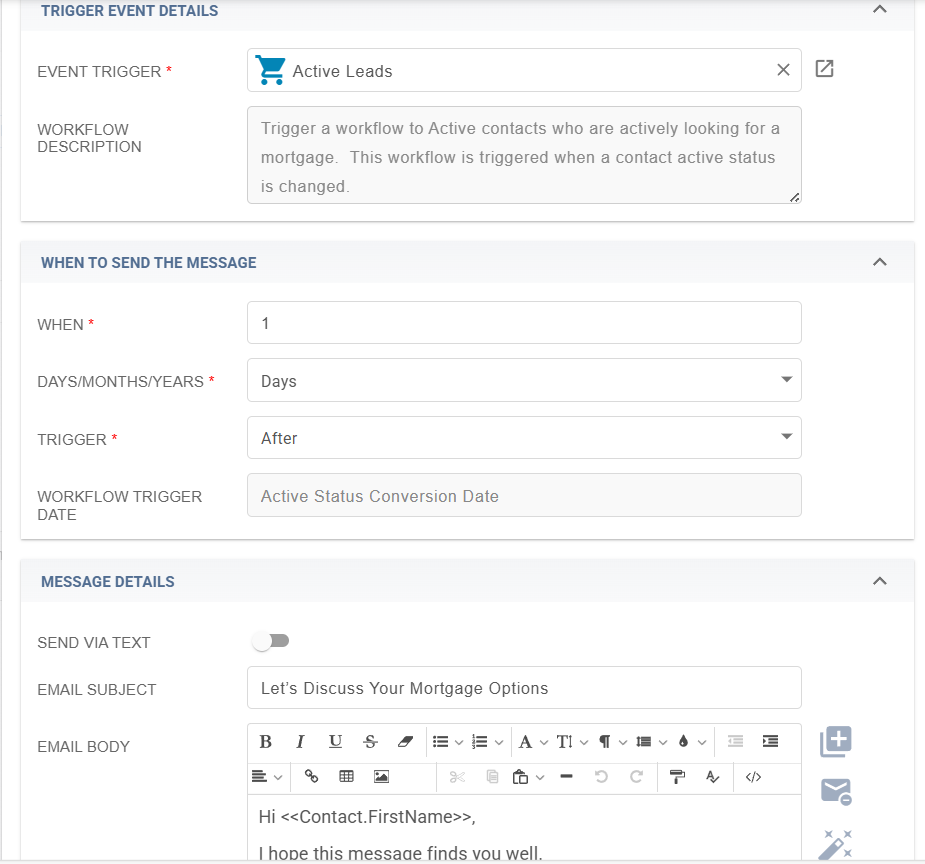
- You will see all the information duplicated in a new tab and if you want to create a new email in the series you can just adjust the timing (when), trigger (on, before or after) and message details it will contain. You can even change the event trigger altogether. What cloning can do for you is save time by carrying over the mergefields from another email already created so you don't have to locate them yourself.