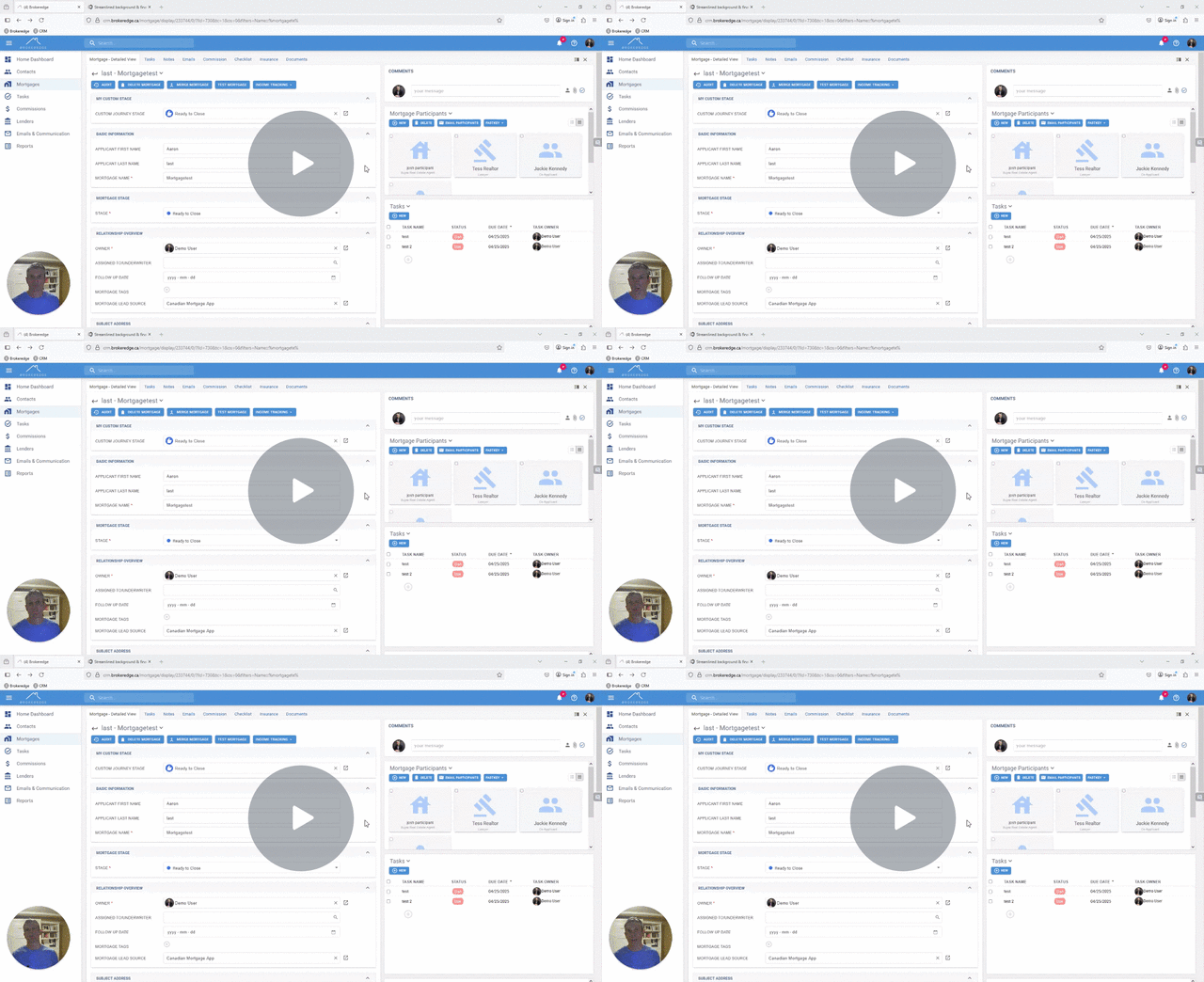
Fastkey Integration
FastKey is system where you can send clients to get their ID verified or to get CRA documents.
To turn on Fastkey integration
- Go to 'My settings' and scroll down to third party integrations and toggle on 'show third party integrations', then toggle on Fastkey

- Type in your password you use to log into Fastkey and scroll up and hit SAVE.


Once integrated you can go into a mortgage that contains the person you want to select and check the box beside their name and select 'Fast Key' which will open a dropdown for either ID verification or Get CRA docs.


It will send the request to the email of the person selected and you can track the status in Fastkey directly and in the documents tab in Brokeredge.

Video on Fastkey