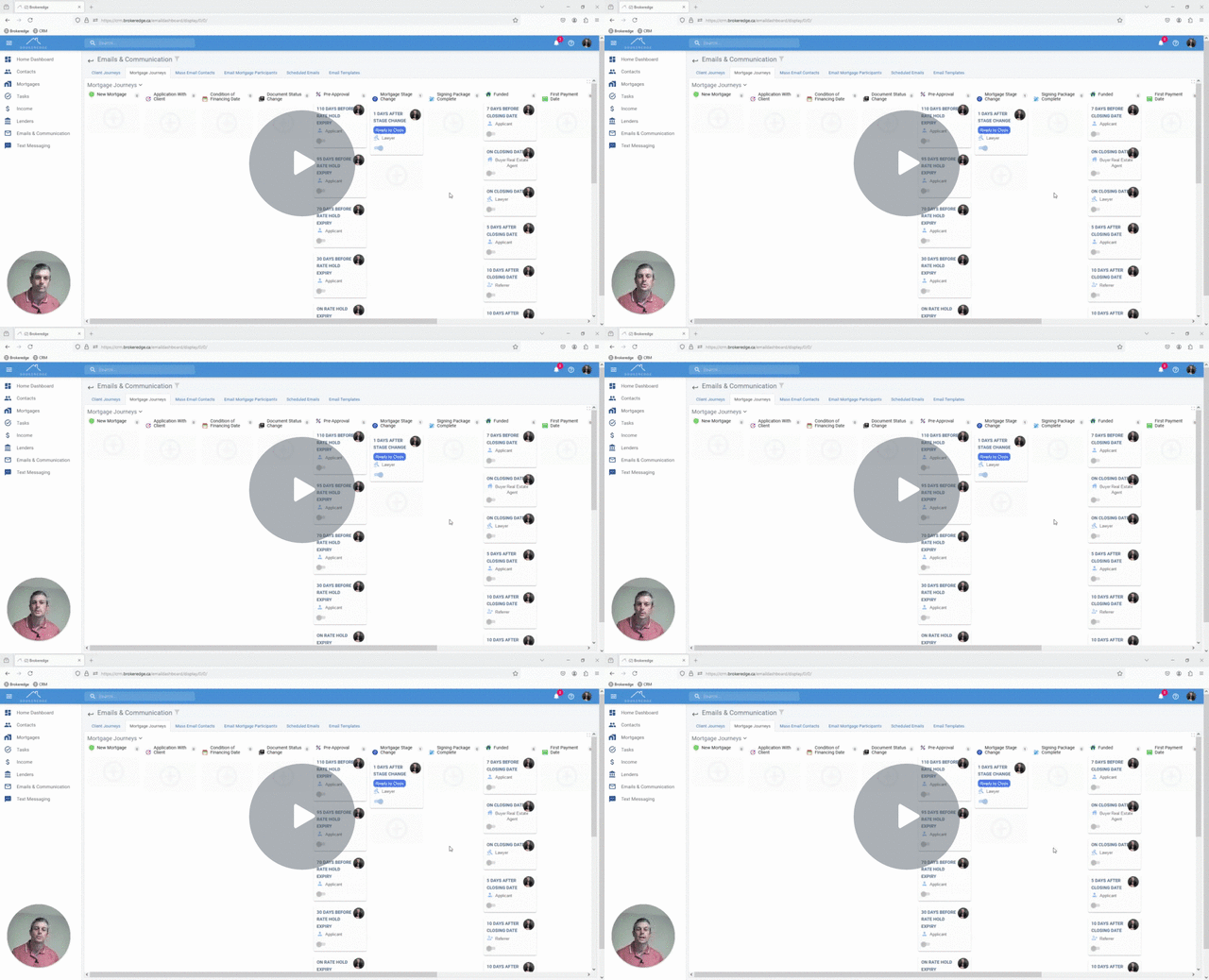
How to CC a Participant on Mortgage Journey Emails
If you want to send a mortgage journey automated email and would rather the email be directed to one participant, for example the applicant, and want another participant like the buyer real estate agent to be cc'd you can set it up that way.
- When choosing to cc a participant on an email you can only select one recipient from the dropdown and the other recipient field must be left blank (no additional recipient).

- Click the 'next' button and it will bring you to the cc participant dropdown where you can select, Applicant, Co-applicant, Lawyer or Buyer Real Estat Agent. *please note in the case of multiple co-applicants on a deal, it will only be a cc to the 1st co-app listed.

Video: How to CC a Participant on a Mortgage Journey Email