Adding Additional Contacts to an Email
Sometime you are sending an email to one contact, or to a people relating to a mortgage and there is a another contact you want to loop in.
- Once the email is set up to send select the people icon beside CcBcc Field

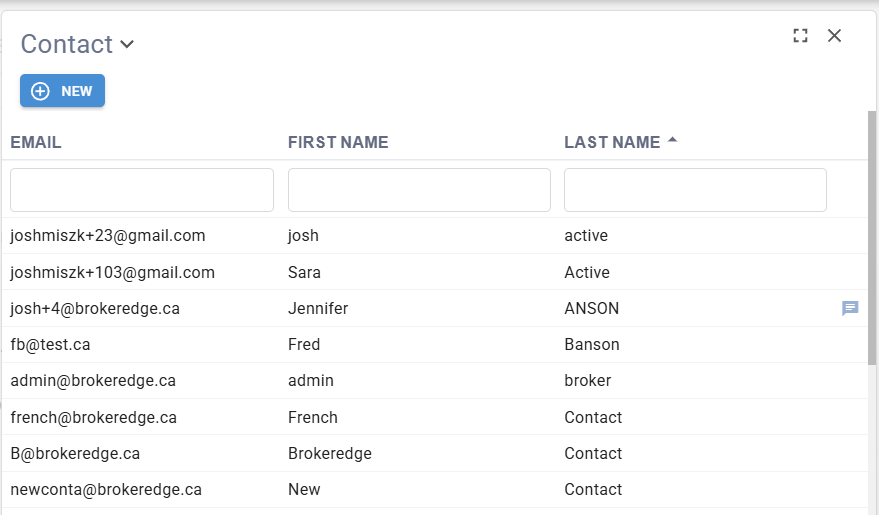
- That will open up the contact selection list where you can search or add the contact to be added into the email.
This video shows how you can add them into the email easily if they are in your contacts list in Brokeredge.