How to Manually Pull a Deal from Velocity
If you have an application in Velocity and the deal has not yet been pulled int Brokeredge you can manually pull it into the system.
To pull it in manually follow these steps:
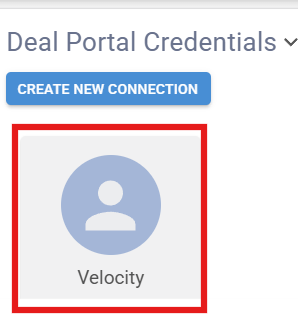
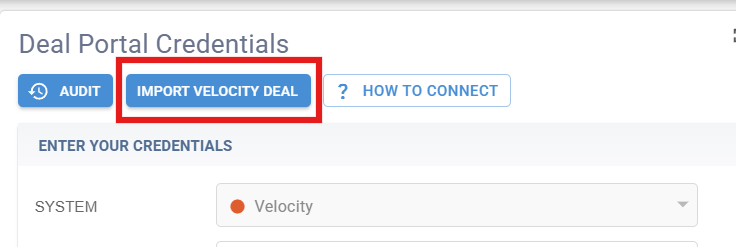
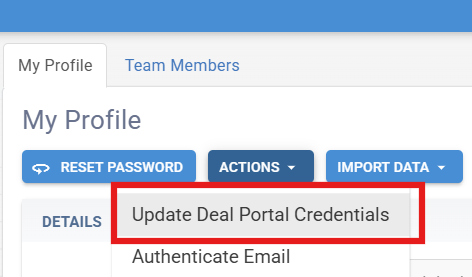
- Go to My Profile> 2. Click Actions> 3. Click Update Deal Portal Credentials> 4. Click on the Velocity Square >5. Select Import Velocity Deal and 6. It will open a box where you need to enter the deal number you are wanting to manually pull. 7. Click 'SAVE'
You deal should be in Brokeredge immediately after those steps.
Click on the square