
How to Stop all Future Emails to a Specific Contact - Do Not Contact
If you no longer want a contact to receive any emails from you, you can set their borrower stage in the 'Do No Contact'
Step 1. Locate the name you want to change
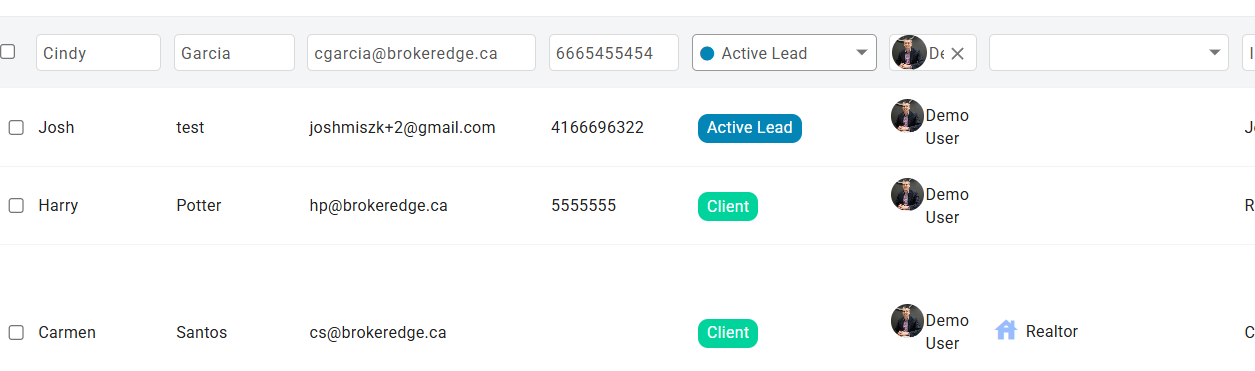
Step 2. Right click on the borrower stage and it will open that field up in a dropdown to change the selection.
Step 3. Select 'Do Not Contact'
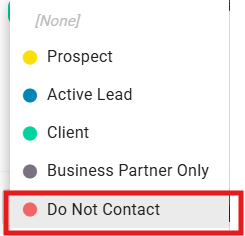
Step 4. Click on any part of the screen to 'set' that change.
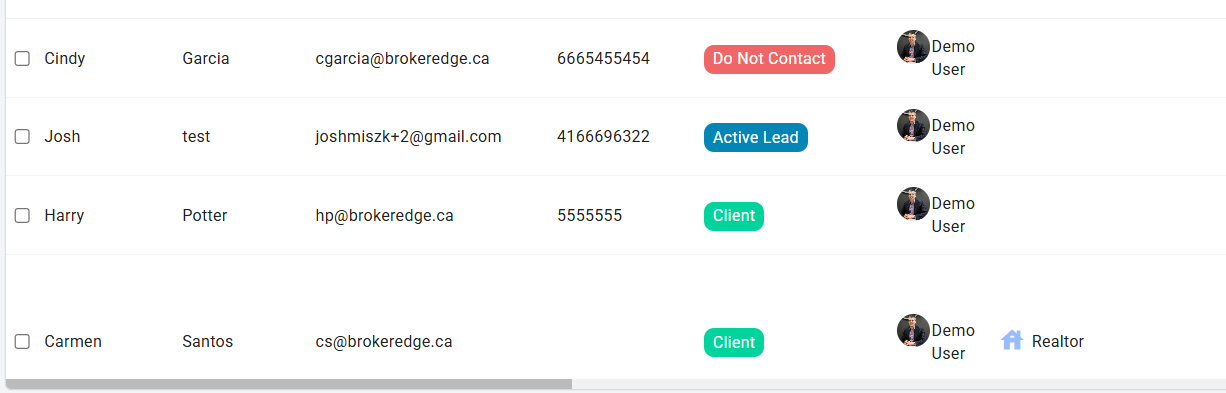
Doing this will remove them from all email communications going forward.
Feature Friday: Do Not Contact
See similar article: How to See Contacts That Have Unsubscribed or Opted Out of Email Communications https://help.brokeredge.ca/article/187-how-to-see-contacts-that-have-opted-out-of-email-communications