How to Change/Update Your Subscription or Update Payment
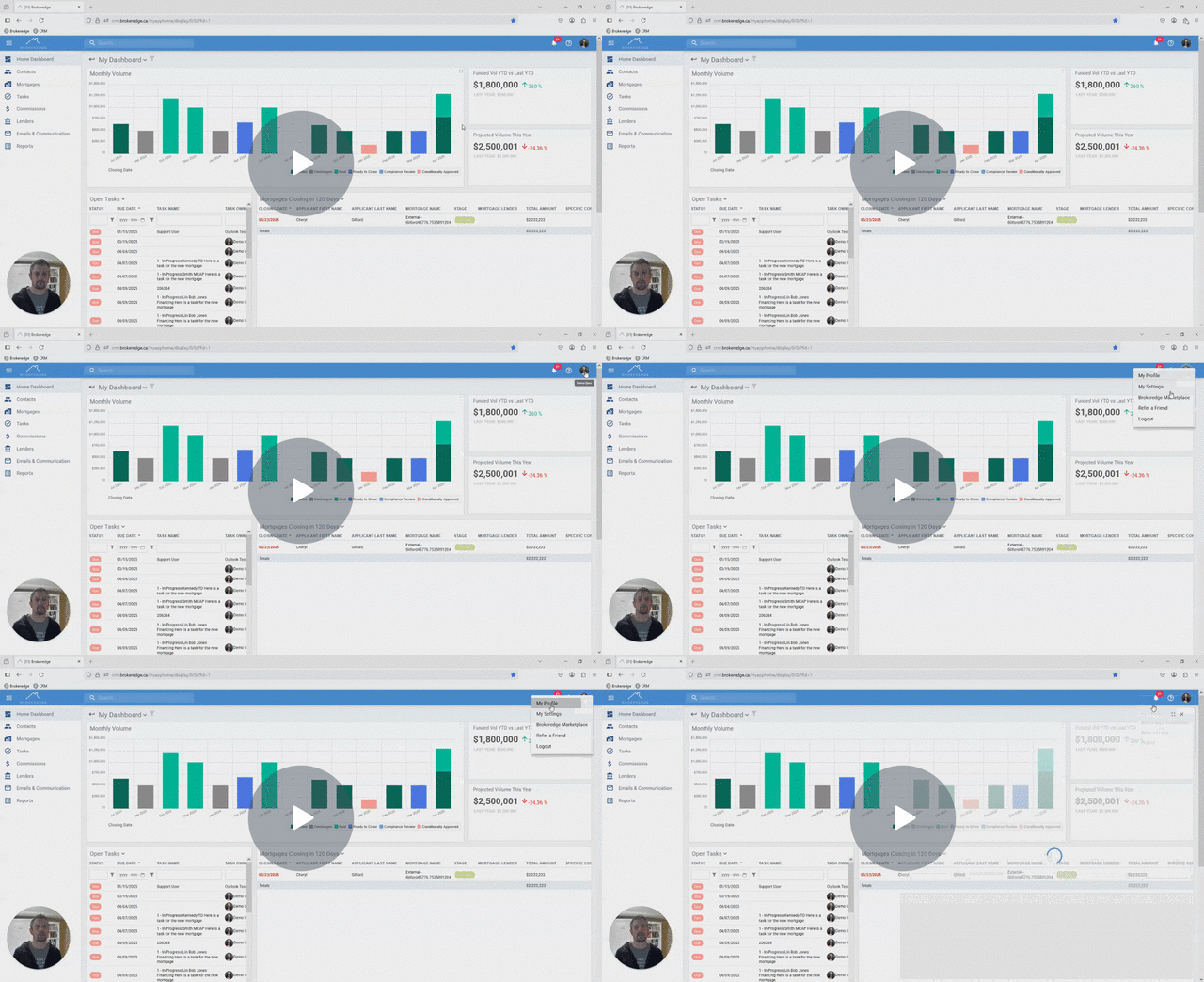
If you want to change your subscription or update payment details you can go to My Profile>Manage My Subscriptions>Click on the Subscription you want to 'Manage'>Select Manage Subscription


Here is the direct link to manage or edit your subscription: https://checkout.brokeredge.ca/p/login/14k6prgkmgvS5eUbII
Watch Video: How to Manage Your Teams and Subscriptions